
 Image 1 of 1
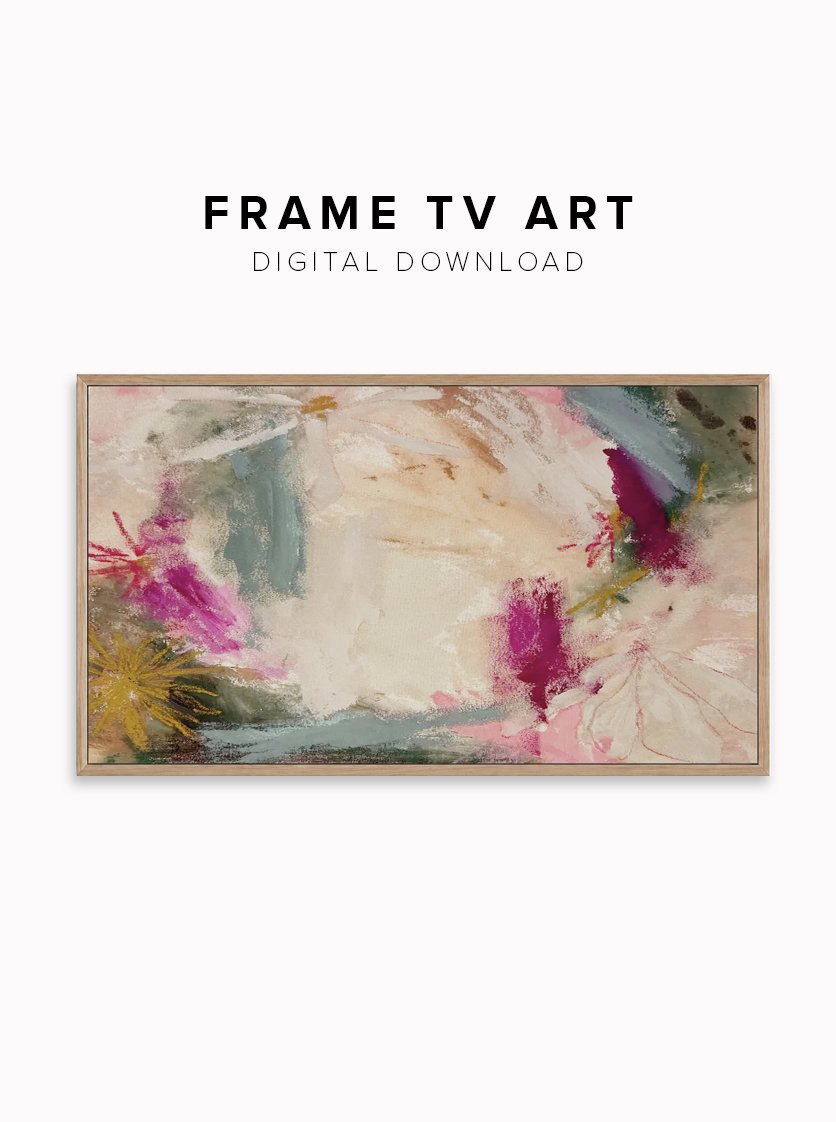
As a thank you for all your support, I wanted to offer a way for collectors to have access to more art in their homes. Now offering Frame TV art!
You can now enjoy a high quality digital download to add a pop of color to once black screen ;) For use on Samsung, Amazon TV, Hisense, TCL and LG.
***
Product Overview
- Instant Digital Download: No physical product will be shipped to your home.
- Perfect Frame TV Fit: Sized exactly at 3840 x 2160 pixels with a 16:9 aspect ratio.
- High-Resolution Quality: Crisp 300 DPI imagery
- Easy Installation: Uploads instantly via the free Samsung SmartThings app.
What You Will Receive
- 1 High-Resolution JPG File: Optimized specifically for television displays.
How to Use It:
1. Download the file after purchase.
2. Save the image to your phone's photo library.
3. Open the Samsung SmartThings app and select your Frame TV.
4. Choose "Art Mode" and upload the photo.
5. Select your preferred mat option (or "No Mat") and enjoy!
Important Notes
- Colors may vary slightly due to different monitor and TV calibrations.
- This digital file is for personal use only and cannot be resold.
- Due to the digital nature of this product, all sales are final.
As a thank you for all your support, I wanted to offer a way for collectors to have access to more art in their homes. Now offering Frame TV art!
You can now enjoy a high quality digital download to add a pop of color to once black screen ;) For use on Samsung, Amazon TV, Hisense, TCL and LG.
***
Product Overview
- Instant Digital Download: No physical product will be shipped to your home.
- Perfect Frame TV Fit: Sized exactly at 3840 x 2160 pixels with a 16:9 aspect ratio.
- High-Resolution Quality: Crisp 300 DPI imagery
- Easy Installation: Uploads instantly via the free Samsung SmartThings app.
What You Will Receive
- 1 High-Resolution JPG File: Optimized specifically for television displays.
How to Use It:
1. Download the file after purchase.
2. Save the image to your phone's photo library.
3. Open the Samsung SmartThings app and select your Frame TV.
4. Choose "Art Mode" and upload the photo.
5. Select your preferred mat option (or "No Mat") and enjoy!
Important Notes
- Colors may vary slightly due to different monitor and TV calibrations.
- This digital file is for personal use only and cannot be resold.
- Due to the digital nature of this product, all sales are final.